Advanced ChatGPT Techniques: Practical Prompts and Workflows
Advanced ChatGPT techniques for real work: stronger briefs, prompt chaining, claim audits, Projects, data checks and a complete worked example.
What are the most useful advanced ChatGPT techniques?
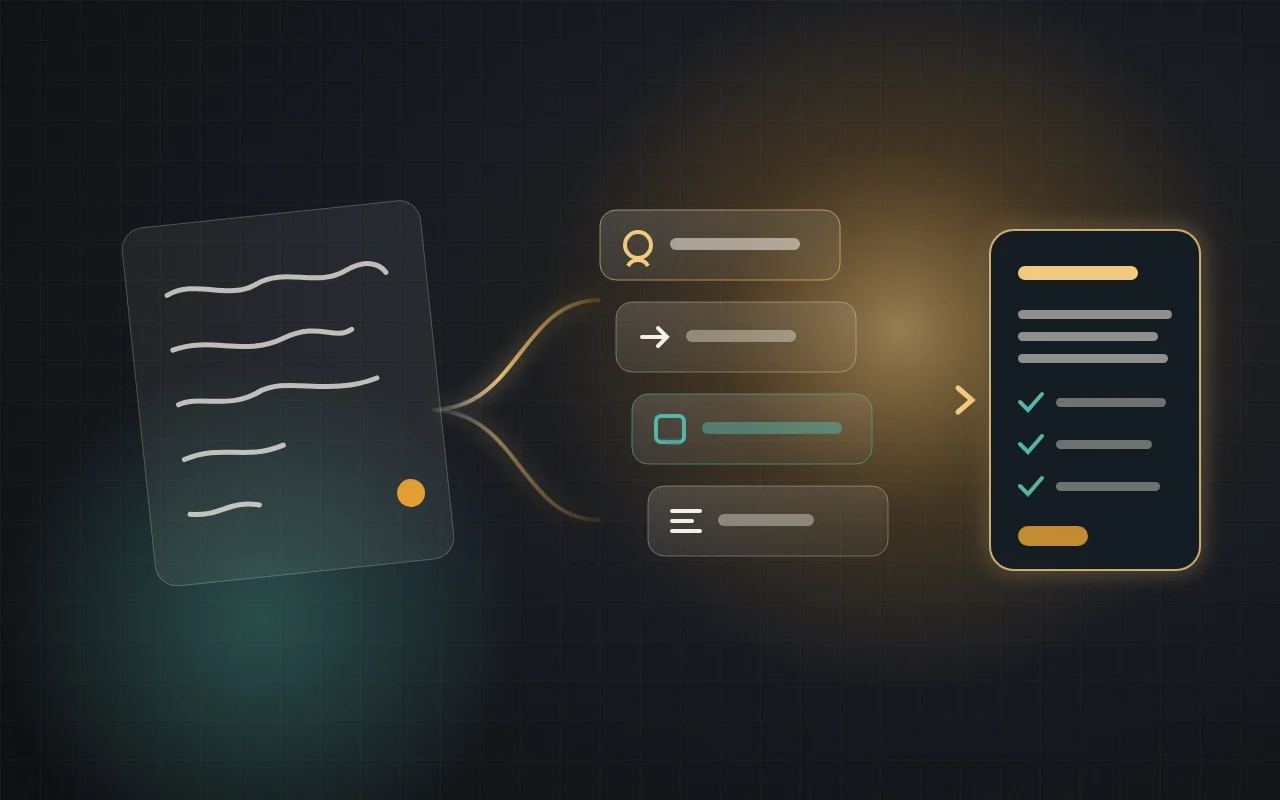
Brief ChatGPT with a goal, context, output and boundaries. Break big jobs into stages, with a review point after each one. Use Projects for repeated work, data analysis for numbers and search for current facts. Then audit the result: open sources, recalculate figures and flag assumptions before you use it.
These advanced ChatGPT techniques are for people who already use it for everyday tasks and now want dependable output on reports, research, data and recurring work. They are about workflow, not secret phrases. If you are new, start with how to use ChatGPT and our lesson on writing a clear prompt.
How this guide was checked: Features and plan details were read on OpenAI’s help and pricing pages on 4 November 2026. The two test results we cite come from our logged-out session on 1 November 2026. The prompts in this guide are teaching samples that we have not run, the shop in the worked example is fictional, and its arithmetic was calculated separately. Your results will vary.
Technique 1: Write a brief, not a wish
OpenAI’s prompting guide organises larger requests around four parts: goal, context, output and boundaries. It also suggests describing the result rather than dictating every step, unless the process itself matters. The most useful addition for serious work is a final check.
Research couriers for my online shop.
Compare 3 courier options for a small online shop in Lahore sending about 100 parcels a month.
Use current sources and link each price or policy.
Output: a table with cost, cash-on-delivery terms, coverage and returns, then a recommendation.
Boundaries: if a figure is not published, write "not found". Do not estimate it.
Before you finish, check that each row has a source and list what I should confirm by phone.
Notice what the second prompt does not include: an elaborate persona or a promise of a reward. Each line changes the result or makes it easier to check.
Technique 2: Make ChatGPT find the gaps first
When a task depends on details only you know, ask for the gaps before the answer. This costs one extra message and can save several rounds of correction.
I need [deliverable] for [audience]. Do not write it yet.
Ask me up to 5 questions whose answers would change the result most.
For each one, say what you would assume if I don't answer.
The stated assumptions are the valuable part: you can accept or correct them in one reply.
Technique 3: Chain prompts with review points
Prompt chaining means splitting a job into stages, where each stage uses the checked output of the last. A single giant prompt hides errors in the finished draft. A chain lets you catch them while they are cheap to fix.
- ScopeAgree the question, the audience and what is out of scope.
- GatherCollect facts and sources. Do no writing at this stage.
- VerifyOpen the sources and correct the fact list yourself.
- DraftWrite using only the approved facts.
- ReviewTest the draft against a checklist, then make final edits.
Using only the approved facts below, write a one-page brief for [audience].
Put the decision and next steps first.
Mark any sentence that goes beyond these facts with [CHECK].
Approved facts:
[paste your corrected list]
Technique 4: Separate facts from assumptions
A polished paragraph makes it hard to see which sentences are supported. Ask for a structure that exposes the difference.
Review your last answer. Make a table with these columns:
claim | type (sourced fact, calculation, assumption, opinion) | source link | how sure you are and why.
List separately anything you could not verify.
Treat that table as a checklist, not as proof, because ChatGPT is auditing its own work. In our 1 November test, a sourced answer about Etsy payments in Pakistan was correct in its first two sentences when compared with Etsy Help, but a third claim about bank transfers was not on the page we checked. The source label looked reassuring; only opening the page exposed the gap.
Technique 5: Show the format with an example
For repeated extraction or formatting, one small example is often clearer than a paragraph of rules. Use visible separators so instructions and source material do not blur together.
Extract every customer complaint from the reviews below into a table.
Columns: product | problem | severity (low, medium, high) | exact phrase from the review.
Example row:
Charger | stopped working after a week | high | "dead after seven days"
Rules: use only the reviews. If the product is not named, write "unknown".
Reviews:
"""
[paste reviews with names removed]
"""
Technique 6: Ask it to challenge your input
ChatGPT tends to work with what you give it. In our test we supplied product facts that described one phone cover as both silicone and TPU. It followed our instruction not to add features, but it repeated both materials without raising the conflict. Asking directly gives it a job to do:
Before using the information below, check it for contradictions, missing details and claims that seem unlikely.
List the problems and ask me to resolve them. Do not write the final version yet.
Information: [paste]
Technique 7: Review against a rubric in a fresh chat
A chat that wrote a draft already carries its reasoning. For an independent read, open a new chat (a Temporary Chat keeps it out of memory) and provide the draft and your standard.
Act as a critical editor. Assess the draft below against these criteria:
1) answers the reader's main question, 2) every claim can be supported, 3) no unnecessary sections, 4) a clear next step.
For each one: pass or fail, the evidence, and the smallest fix. Do not rewrite the draft.
Draft: [paste]
Choose the right ChatGPT tool for the job
Availability below comes from OpenAI’s pricing page and help pages on 4 November 2026. Limits change, so check your own account.
| Tool | Best for | Availability | Your job |
|---|---|---|---|
| Regular chat | Questions, rewrites and quick drafts | All plans | Review the reply |
| Web search | Current facts with links | Check your plan | Open the sources |
| Deep research | Long multi-source reports | Limited on Free and Go; more on Plus and Pro | Define scope; audit claims |
| Data analysis | Spreadsheets, calculations and charts | Limited on Free | Recalculate key figures |
| Projects | Ongoing work with shared files and instructions | Help page: Free and paid plans | Keep files current |
| Scheduled tasks | Recurring runs of a proven prompt | Listed under Plus and above | Review each output |
| ChatGPT Work | Multi-step tasks that use several sources or produce files | Limited on desktop for Free and Go; broader on Plus and Pro | Approve actions; check files |
OpenAI’s guidance draws a useful line: use Chat for quick questions and light drafts, and Work for tasks that span sources or tools, involve several steps or produce a larger deliverable.
Where should your instructions live?
Repeating the same preferences in every prompt is wasted effort, but putting everything in global settings causes conflicts. Place each instruction at the narrowest level where it always applies.
| Level | Applies to | Put here | Example |
|---|---|---|---|
| Custom instructions | Your chats generally | Lasting preferences | “Be concise. Flag uncertainty.” |
| Project instructions | Chats in that project; they override your global custom instructions there | Rules for one body of work | “Use UK spelling and this brand glossary.” |
| The prompt | This request | Task details and sources | “Use the March figures only.” |
Project file limits per project were listed as 5 on Free, 25 on Go and Plus, and 40 on Pro, with at most 10 uploaded at once. Keep the files few and current, because an outdated file can quietly pull answers off course.
Memory needs a deliberate choice too. Project-only memory stops a project from drawing on memories and chats outside it, and keeps its information out of chats elsewhere. OpenAI’s release notes say eligible unshared projects can switch between the two settings under Project settings, and that shared projects stay project-only. Use project-only memory for client or sensitive work.
Worked example: a sales review that survives checking
Suppose a small shop wants to know which product deserves more stock. The figures below are invented for this lesson, and all amounts are in rupees.
| Product | Units sold | Cost each | Price each | Units returned |
|---|---|---|---|---|
| Phone case | 120 | 450 | 800 | 6 |
| Charger | 80 | 900 | 1,500 | 12 |
| Earbuds | 40 | 2,200 | 3,500 | 8 |
| Screen protector | 200 | 100 | 300 | 4 |
The first step is to ask for calculations and assumptions, not for advice.
The attached sheet is fictional sales data. Calculate for each product:
margin per unit, gross profit, return rate, and profit after returns.
Assume a returned unit earns no margin and its cost is recovered.
Show the formulas. State any other assumption. Do not recommend anything yet.
Done correctly, the calculation should produce this:
| Product | Margin per unit | Gross profit | Return rate | Profit after returns |
|---|---|---|---|---|
| Phone case | 350 | 42,000 | 5% | 39,900 |
| Charger | 600 | 48,000 | 15% | 40,800 |
| Earbuds | 1,300 | 52,000 | 20% | 41,600 |
| Screen protector | 200 | 40,000 | 2% | 39,200 |
Total gross profit is 182,000, and total profit after returns is 161,500. The earbuds still come first, but their lead over screen protectors shrinks from 12,000 to 2,400. A ranking based only on sales would have hidden that. The numbers also cannot tell you why one in five earbuds comes back, so this is where the human question begins.
Using the verified table, tell me what would change the ranking.
Show the result if earbud returns fall to 10%, and separately if each return costs 200 rupees to handle.
Separate what the data shows from what you are guessing about the causes.
List the 3 facts I should collect before ordering more stock.
Then recheck the key numbers in your spreadsheet. For example, earbud profit after returns is (40 − 8) × 1,300 = 41,600. If your own calculation differs, ask ChatGPT to show its formula and find the mismatch. Do not simply accept whichever figure looks better.
Write a decision note under 150 words for the shop owner.
Lead with the recommended next step, then the evidence and the main risk.
Use only the verified numbers above, and label it as based on one period of data.
Turn a proven prompt into a repeatable workflow
- Prove it manuallyRun the prompt on real work several times, and fix the instructions rather than the outputs.
- Move it into a ProjectAdd the standing rules and only the reference files that stay relevant.
- Add a quality gateEnd with a check, such as “confirm every action has an owner and due date, and flag what you could not verify”.
- Schedule only when reliableOpenAI’s guide recommends refining a recurring prompt in a normal chat first, then scheduling it once the output is dependable.
- Keep human approvalTell it to “prepare the message as a draft; don’t send it” for anything that affects other people.
Troubleshooting: what went wrong and how to fix it
| Symptom | Likely cause | Fix |
|---|---|---|
| Generic output | Missing audience or context | Add who it is for and what will be done with it |
| Invented details | No boundary or source limit | “Use only the supplied material; write ‘not found’ for gaps” |
| Quality drops in a long chat | Accumulated or conflicting context | Summarise decisions, then continue in a new chat |
| Answer ignores your file | The file or section was not named | Name the file and section, and ask for a matching reference |
| Numbers look wrong | Hidden assumption or mistaken formula | Ask for formulas, then recalculate in a spreadsheet |
| Follows an old preference | Memory or conflicting instructions | Check settings, or test in a Temporary Chat |
Where advanced prompting will not save you
Better technique does not make ChatGPT an accountable expert. Medical, legal, tax and financial decisions still need a qualified person, and a well-formatted report can still rest on a poor source. Work that involves other people’s data also has to meet your legal and contractual duties, whatever your settings. On consumer plans, content can be used for training unless you opt out in Data Controls; OpenAI’s pricing page says Business and Enterprise content is not used for training. Remove what is not needed, and do not upload anything you are not allowed to share.
Frequently asked questions
Do these techniques work on the free plan?
Most do. The briefs, chaining, audits and rubric reviews only need chat. Free plans have lower limits on uploads, data analysis and deep research, so large files or long research jobs may need a paid plan.
What is prompt chaining in ChatGPT?
It means completing a task through a series of prompts, where each step uses the checked output of the previous step. It suits work with several stages, such as research, drafting and review.
Should I use a role such as “act as an expert”?
Use a role when it clearly sets the viewpoint or standard, as with a critical editor. It does not add real expertise or replace context, sources and checking.
What is the difference between Projects and custom instructions?
Custom instructions set general preferences across your chats. A Project groups related chats, files and instructions for one body of work, and its instructions override your global ones within that project.
How do I get ChatGPT to stop making things up?
You cannot eliminate the risk, but you can reduce it: supply the sources, allow “not found” as an answer, ask for links and a claim audit, and verify important points yourself.
Keep learning
- How to use ChatGPT: a complete beginner’s guide
- How to write a clear AI prompt
- AI agents explained, if your workflows are starting to involve actions across tools.
Sources
- ChatGPT Learn: Prompting (viewed 4 November 2026)
- ChatGPT pricing and plans (viewed 4 November 2026)
- OpenAI Help: Projects in ChatGPT
- OpenAI Help: Custom instructions
- OpenAI Help: Data analysis
- OpenAI Help: Searching the web
- OpenAI Help: Data Controls FAQ
- OpenAI Help: ChatGPT release notes
Last checked: 4 November 2026. Prompts are teaching samples and were not run in ChatGPT. The shop data is fictional.