How to Use ChatGPT: A Complete Beginner’s Guide
How to use ChatGPT for beginners: start a chat, write a useful prompt, fix weak answers with follow-ups, check facts, protect your privacy and choose a plan.
How do you use ChatGPT?
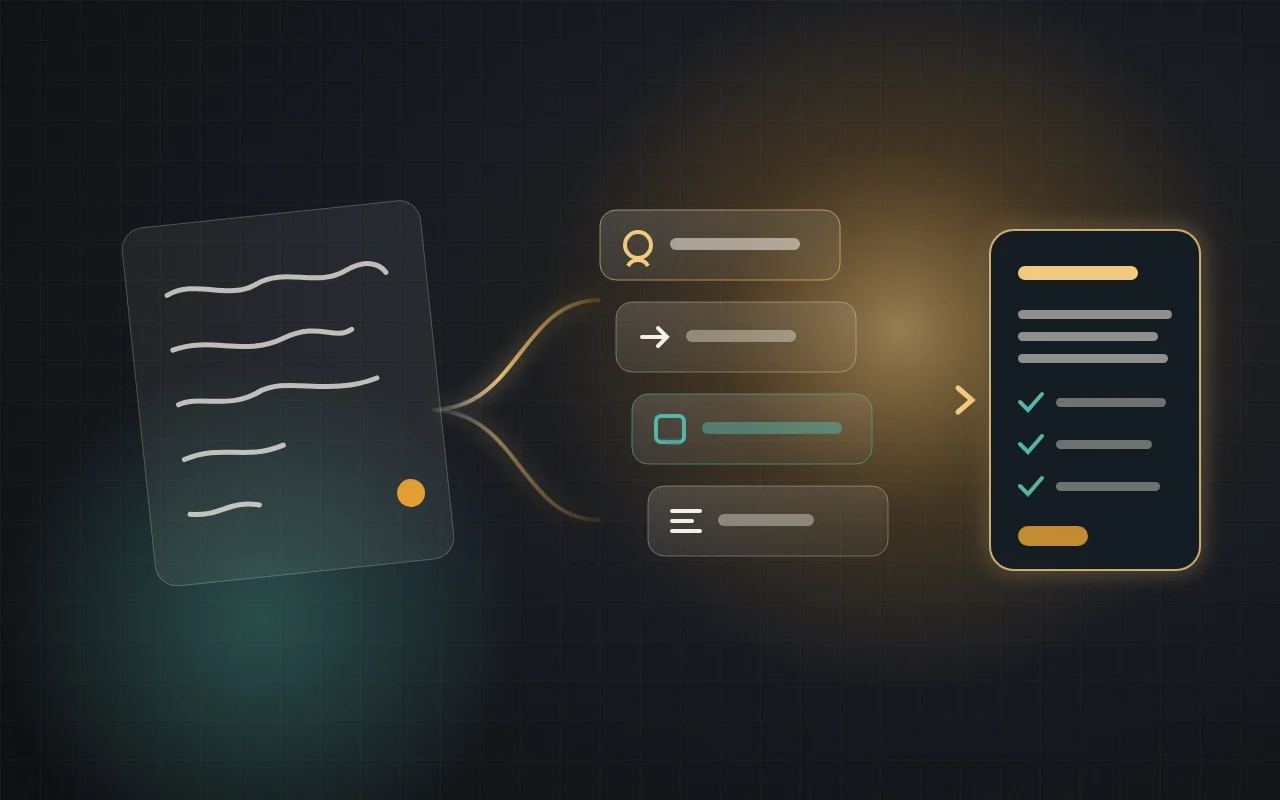
Open chatgpt.com or the official app, type what you want in plain language, then refine the reply with follow-up messages. For bigger tasks, state your goal, useful context, the format you need and any limits. Check important facts yourself, and never paste passwords or private documents.
This guide explains how to use ChatGPT if you are a complete beginner, or if you tried it once and got a bland answer. By the end you will be able to start a chat, write a useful prompt, correct a weak reply, check what it tells you and decide whether the free plan is enough. If you prefer Urdu, read our Urdu ChatGPT guide.
How this guide was checked: Plan details were read on OpenAI’s pricing page on 4 November 2026, viewed from Italy, and features were checked against OpenAI’s help pages. The test findings and screenshots come from one logged-out session on chatgpt.com on 1 November 2026, using mobile-browser emulation. We did not test the native app or paid plans, and the copy-ready prompts below are teaching samples we have not run. Your screen and results may differ.
What ChatGPT is, and what it is not
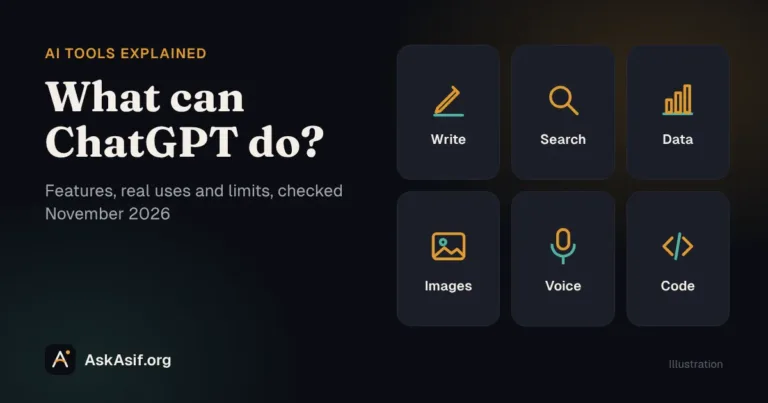
ChatGPT is an AI assistant made by OpenAI. You write or speak a request, and it responds with text, tables, images, files or spoken replies, depending on the plan and the tools available. It is good at explaining, drafting, summarising, rewriting, translating, planning and comparing.
It is not a person, and it is not a guaranteed source of truth. It can state something wrong in a confident tone, or fill a gap with a detail nobody gave it. The practical rule is simple: treat a reply as a capable first draft, and keep the final decision for yourself.
How to use ChatGPT for the first time
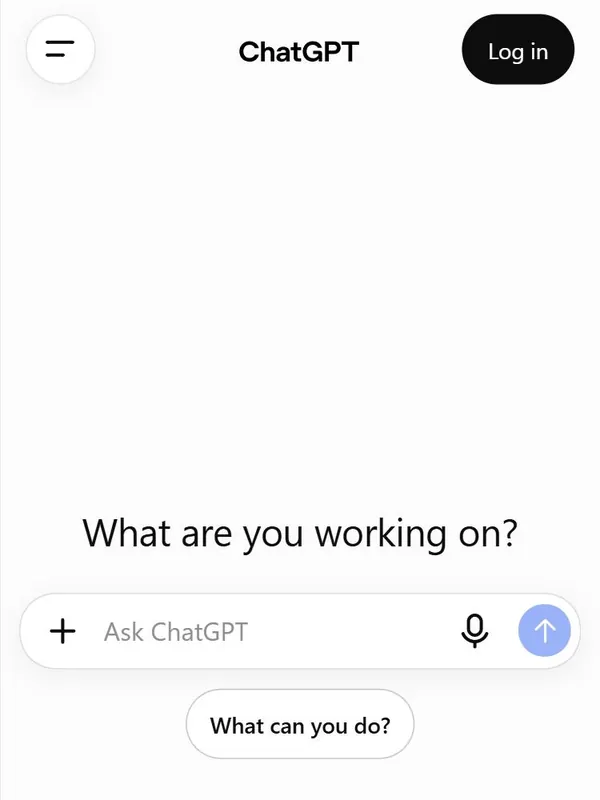
- Open the real ChatGPTGo to chatgpt.com, or use the links on OpenAI’s download page. In an app store, check that the publisher is OpenAI, because similarly named apps exist.
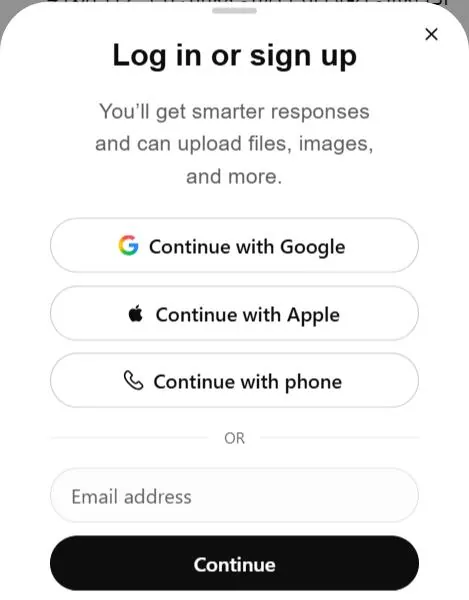
- Decide whether to sign inIn our logged-out test the site answered questions without an account, but image creation, deep research and file uploads asked for a login. An account also keeps your history and is required for Projects.
- Create an account if you want oneThe login screen we saw offered options including Google and Apple. Use an account you control, and turn on two-step security if your sign-in provider offers it.
- Write one real requestSkip the “Hello, are you there?” test. Ask for something you actually need today, such as a simpler explanation of a topic or a polite version of a difficult message.
- Reply to the replyThe second message is where ChatGPT starts to become useful. Say what is wrong and what you want changed.
How to write your first good prompt
A prompt is simply your request. OpenAI’s own prompting guide says a short prompt is often enough and that no special syntax is needed. When a task matters, it suggests including only the parts that help:
| Part | The question it answers | Example |
|---|---|---|
| Goal | What should ChatGPT do? | Write a reply to this customer |
| Context | What information will help? | The parcel is 3 days late because of a courier delay |
| Output | What format, length or detail? | Under 60 words, friendly tone |
| Boundaries | What must it avoid or keep unchanged? | Do not promise a refund or a delivery date |
Here is the difference in practice:
Write a message to my customer.
Write a reply to a customer whose parcel is 3 days late because of a courier delay.
Keep it under 60 words and friendly. Apologise once.
Do not promise a refund or a delivery date.
The weak version forces ChatGPT to guess the situation. The better one removes the guesswork, so there is less to correct. For a deeper look at structure, read how to write a clear AI prompt.
How to fix a weak answer with follow-ups
You do not need a perfect first prompt. Stay in the same chat and ask for one specific change. Vague feedback such as “make it better” gives ChatGPT little to work with; these instructions give it a target:
- “Shorter: keep it to three sentences.”
- “Too formal. Write it the way a helpful shop owner would speak.”
- “You assumed I have a laptop. I only have a phone, so redo the plan.”
- “Explain step 2 with one everyday example.”
- “List anything in your answer that you are unsure about.”
Start a new chat when you change topic. Old details in a long conversation can pull later answers in the wrong direction.
Six beginner prompts you can copy
Replace the words in square brackets with your own details.
Understand a topic
Explain [topic] to someone who has never studied it.
Use one concrete example and define any technical words you use.
Then ask me 3 short questions to check that I understood.
Write a difficult message
Rewrite this message so it is polite but firm, under 80 words.
Keep every date and amount exactly as written.
Message: [paste your message]
Summarise something long
Summarise the text below in 5 bullet points, then list any deadlines or actions.
Use only the text. If something is unclear, say so instead of guessing.
Text: [paste text with private details removed]
Prepare for a job application
Here is a job advert and my CV with personal contact details removed.
List the 5 requirements I match best, using evidence from my CV, and 3 gaps.
Then draft a cover letter under 180 words. Do not invent experience.
Job advert: [paste]
CV: [paste]
Make a realistic plan
I can study [skill] for 1 hour a day and I only have a phone.
Make a 4-week plan as a table with these columns: week, what to learn, one practice task.
Tell me which parts of the plan a phone makes harder.
Compare two options
Compare [option A] and [option B] for [who it is for and what they need].
Show the important differences in a table, recommend one, and explain the trade-off.
Search the web for current prices and link your sources.
Beyond text: search, files, images and voice
You rarely need to choose a tool yourself. Ask for the result, and name a tool when it matters. This table reflects OpenAI’s pricing page on 4 November 2026.
| Feature | Use it when | On the Free plan |
|---|---|---|
| Web search | The answer depends on current information; ask for sources | Worked in our logged-out test; see OpenAI’s search guide |
| File uploads | You want a PDF, document or spreadsheet summarised or compared | Limited |
| Images | You want an image created, or want ChatGPT to look at a photo or screenshot | Limited |
| Voice | You would rather talk than type | Limited |
| Deep research | You need a longer, multi-source report | Limited |
“Limited” means real usage caps that OpenAI can change, so do not plan important work around a specific allowance.
What our test showed
A few small tests from the 1 November session show why the advice above matters. The outputs were in Urdu, and these are the findings rather than a benchmark.
| What we asked | What happened | The lesson |
|---|---|---|
| A one-line request for a phone cover description | A generic listing that called the cover “premium” and claimed shock protection, though we had supplied no such facts | A vague prompt invites invented claims |
| The same task with real product facts and “add no features of your own” | A title and bullets that used only the supplied facts | Facts plus a boundary changed the result |
| The same facts, which wrongly described the material as both silicone and TPU | ChatGPT repeated both and did not flag the conflict | It may not catch your mistakes unless asked |
| A question about Etsy payments in Pakistan | A sourced answer whose first two sentences matched Etsy Help; a third claim about bank transfers was not on the page we checked | A source chip does not prove every sentence |
How to check ChatGPT’s answers
How much checking you do should depend on what a mistake would cost. A birthday message needs a quick read. Medicine, law, money, immigration and anything you will publish need much more.
- Open the source. Click the link and find the claim on the page. Do not stop at the fact that a link exists.
- Go to the original. For rules, fees and prices, use the official organisation’s site.
- Redo the arithmetic. Check totals, dates and percentages in a calculator or spreadsheet.
- Look for added details. Compare the reply with what you supplied, and remove anything you cannot support.
- Ask a qualified person before acting on medical, legal or financial advice.
Privacy and safety basics
Do not paste passwords, card or bank details, ID numbers, or private information about other people. Replace names with placeholders such as [Customer] when the real name is not needed. On a work account, follow your employer’s rules.
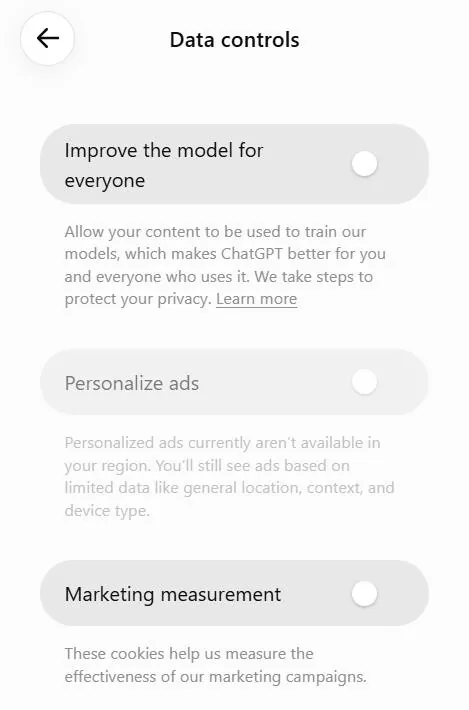
Three settings are worth knowing, all described in OpenAI’s Data Controls FAQ and plan information:
- Model training: on consumer plans you can opt out under Settings > Data Controls by turning off “Improve the model for everyone”. Your chats stay in your history.
- Temporary Chat: these chats are not saved to history, do not create memories and are not used for training. OpenAI says they are deleted from its systems after 30 days and may be reviewed only to monitor for abuse.
- Memory: ChatGPT can remember details between chats. You can review and manage this in Settings, or use a Temporary Chat when you do not want it involved.
Free, Go, Plus or Pro?
Start with Free. Upgrade only after you repeatedly hit a limit that costs you real time. The prices below are the euro prices shown from Italy on 4 November 2026; your country, currency and taxes may differ, so check the official pricing page.
| Plan | Price shown | OpenAI describes it as | Consider it if |
|---|---|---|---|
| Free | €0 | Best for trying out ChatGPT | You are learning or use it occasionally |
| Go | €8/month | Best for longer conversations; may include ads | You keep running out of uploads, images or tool use |
| Plus | €23/month | Best for advanced work and productivity | You use it for regular work and need advanced reasoning, more deep research or scheduled tasks |
| Pro | From €103/month | Best for research and coding | Very heavy use, with a clear return on the cost |
Text chats on Free are listed as unlimited, subject to abuse guardrails, while messages with uploads, images and voice are limited. Model names change often, so judge a plan by whether it finishes your work, not by the name on the label.
Common beginner mistakes
- Using it exactly like a search engine. Two keywords give a generic reply. Describe your situation instead.
- Giving up after one answer. Most of the value comes from the second and third messages.
- Copying without reading. Your name goes on the work, including any invented facts.
- Keeping one endless chat. Start fresh when the subject changes.
- Paying too early. A better prompt often solves what looks like a plan problem.
- Trusting a look-alike app. Check the publisher, and be wary of any “ChatGPT” app or site that asks for a payment you did not expect.
A simple 7-day practice plan
- Day 1: ExplainAsk for a topic you need to understand, then ask it to quiz you.
- Day 2: RewriteImprove a real message and practise three follow-ups.
- Day 3: SummariseSummarise a long article, then compare the summary with the original.
- Day 4: PlanBuild a small study, budget or work plan, with your real time limits.
- Day 5: CompareCompare two options using web search, and open every source.
- Day 6: Use a fileUpload a harmless document and ask for its key points.
- Day 7: Save what workedKeep your two best prompts in a note so you can reuse them.
Frequently asked questions
Is ChatGPT free to use?
Yes. OpenAI offers a free plan. On 4 November 2026 its pricing page listed unlimited text chats on Free, subject to abuse guardrails, with limits on uploads, images, voice, deep research and memory. Paid plans raise those limits.
Do I need an account to use ChatGPT?
Not for a basic chat: our logged-out test on 1 November 2026 worked without one, although several tools asked for a login. An account gives you saved history and access to features such as Projects.
Can I use ChatGPT on my phone?
Yes. OpenAI lists web, iOS and Android access for its plans. You can use the official app or a mobile browser. Our own test used a phone-sized browser, not the app.
Is ChatGPT available in Pakistan?
OpenAI publishes a supported countries list, and Pakistan was on it when we checked on 4 November 2026. Payment options for paid plans are a separate question, so confirm them at checkout before you rely on them.
Are ChatGPT’s answers always correct?
No. It can be wrong, out of date or overconfident, and a linked source may not support every sentence. Check anything important against an original source.
What should I not share with ChatGPT?
Avoid passwords, financial details, ID numbers, confidential work documents and private details about other people. Remove or replace identifying details when you can.
What to learn next
- How to write a clear AI prompt: a closer look at prompt structure.
- Advanced ChatGPT techniques: prompt chaining, Projects, data checks and complete workflows.
- AI learning hub and AI tools: where to go from here.
Sources
- ChatGPT pricing and plans (viewed 4 November 2026)
- ChatGPT Learn: Prompting (viewed 4 November 2026)
- OpenAI Help: Data Controls FAQ
- OpenAI Help: Projects in ChatGPT
- OpenAI Help: Supported countries
Last checked: 4 November 2026. ChatGPT changes often, so confirm plans and features on OpenAI’s site before relying on them.